
Running out of storage on Nrich Learning? Don’t worry — you can easily purchase a cloud storage plan in just a few clicks. Follow this guide to complete your purchase smoothly.
Steps to Purchase
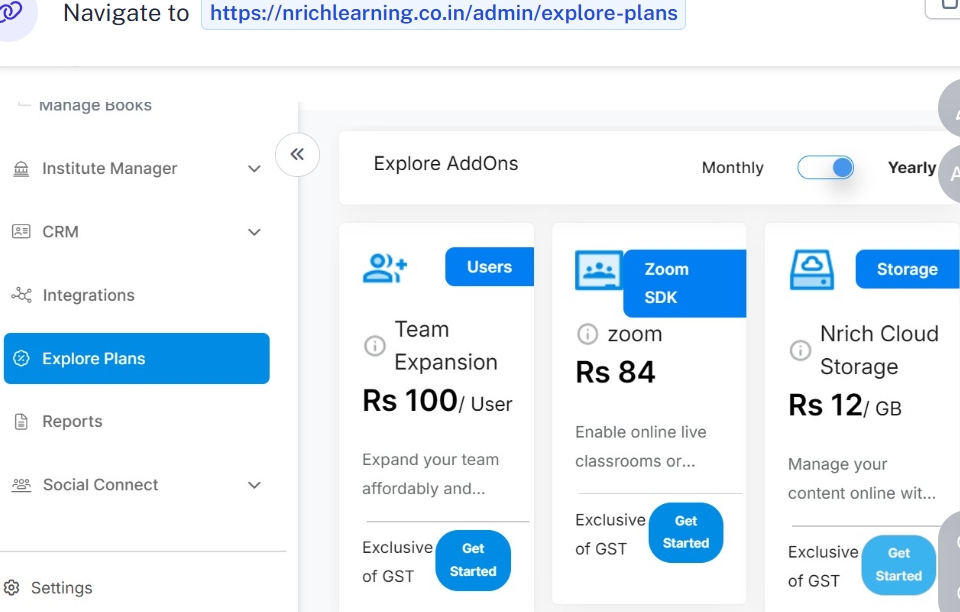
- Go to Explore Plans
- Login to your Nrich Learning account.
- Login to your Nrich Learning account.
Navigate to Explore Plans in the left sidebar.
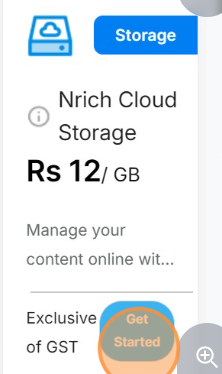
2. Select a Storage Plan
Find the Cloud Storage Plan you need.
Click Get Started.
3. Enter Quantity
Update the quantity field (e.g. “1”).
4. GST Number (Optional)
If you have a GST number, enter it in the given field.
5. Proceed to Payment
Click Proceed to Pay.
Choose Payment Method
Select your preferred payment option (e.g. UPI).
Enter your UPI ID and click Continue.
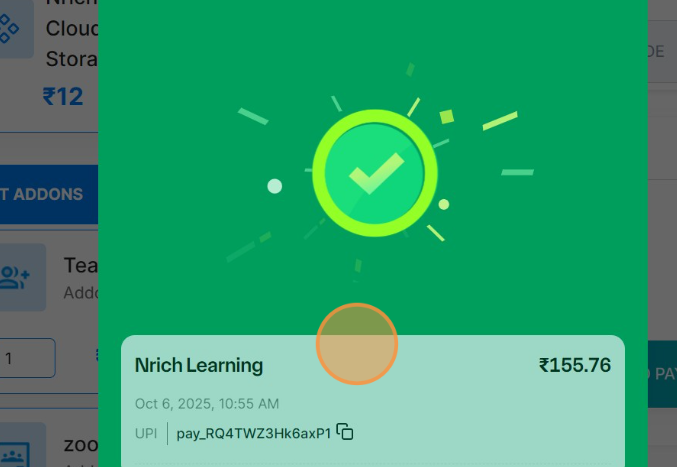
6. Complete Payment
Confirm the payment on your UPI app.
Once done, you’ll see a message: “Payment done successfully.”
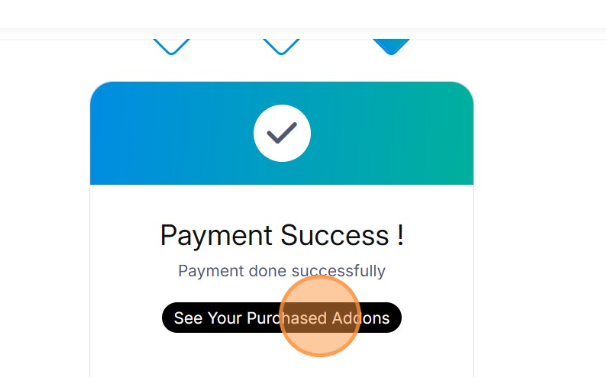
7. Check Purchased Add-ons
After payment, go to See Your Purchased Addons.
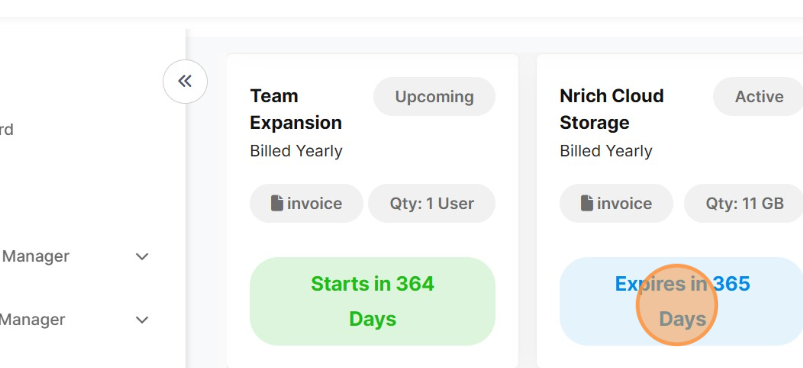
- You’ll see your cloud storage plan listed with its expiry date (e.g. 365 days).
Last modified: October 15, 2025