Want to share announcements, updates, or insights with your learners and instructors? Here’s how to create a post using the Social Connect (Newsfeed) feature.
Steps to Create a Post
- Log In
Head to your Nrich Learning dashboard
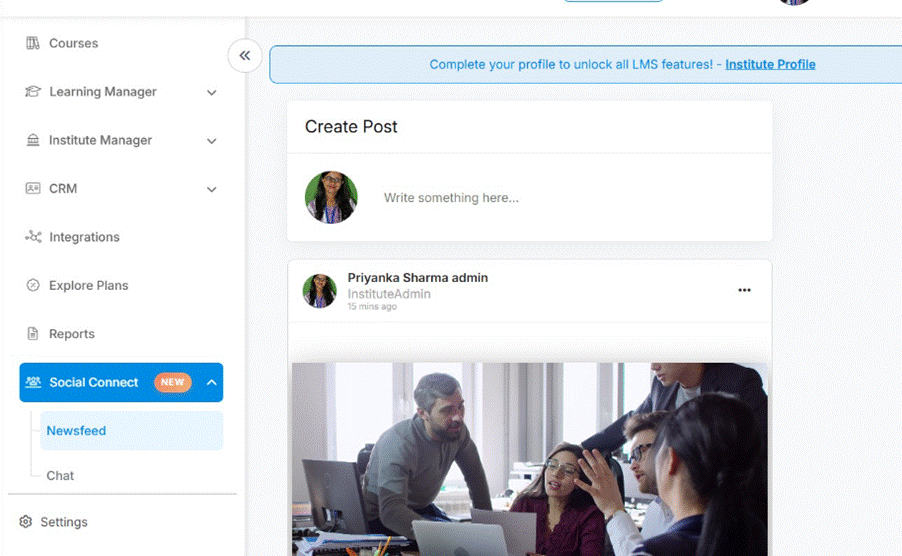
- Navigate to Social / Newsfeed
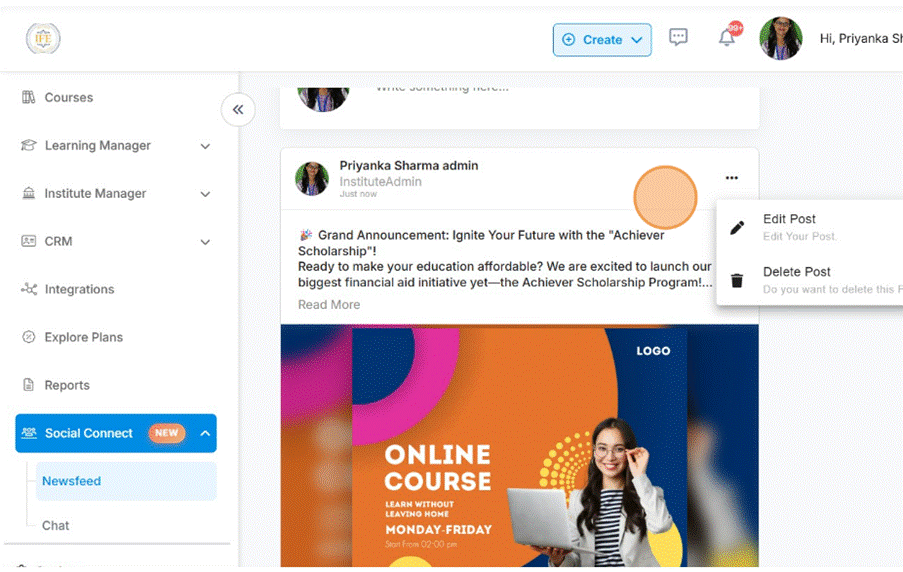
In the sidebar or main menu, find and click Social, Connect, then Newsfeed
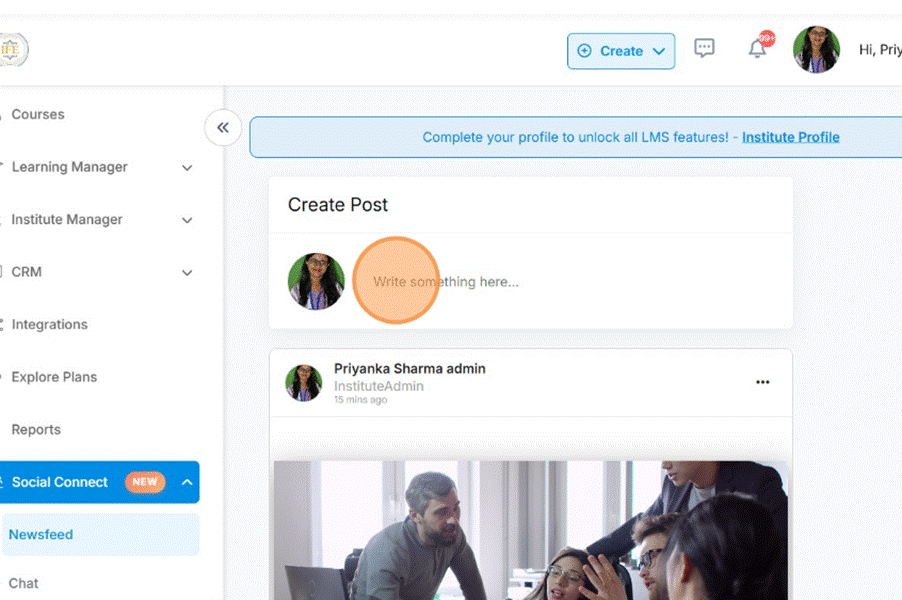
- Click on Create Post – write something here
Look for a button labeled Create Post, New Post, or something similar. Click it to open the post editor. - Enter Content
- Choose emojis
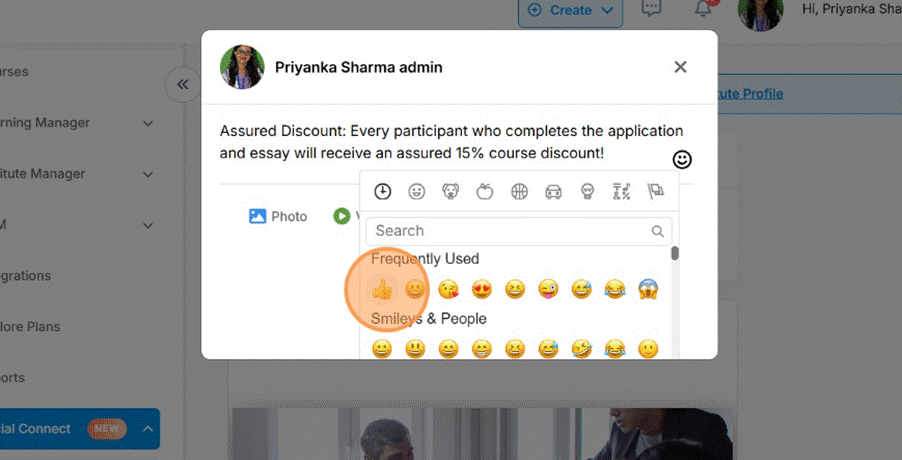
- Upload video / Youtube Link – optionals

- Upload Document – optionals

8. Post it
9. Edit post through three dots – click on edit post / delete post
Was this article helpful?
YesNo
Last modified: October 15, 2025