
Want to host live sessions (webinars, classes) inside your Nrich Learning platform? Here’s how to enable and set up your Online Live Classroom feature:
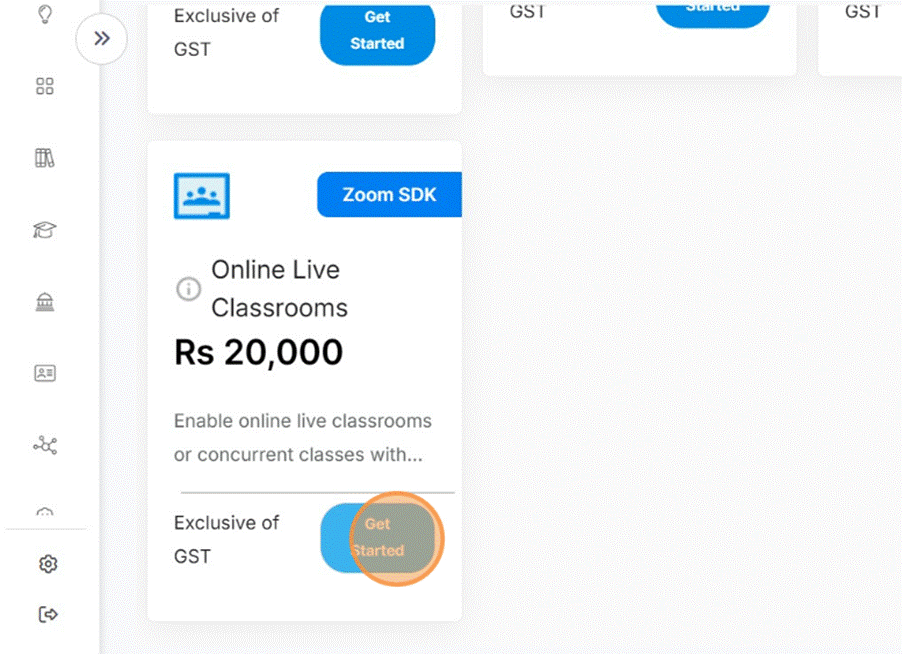
Steps to Enable & Use Live Classrooms
- Log In & Go to Settings / Features
Access your Nrich dashboard and navigate to Settings or Features / Add-Ons. - Locate “Online Live Classroom” Option
Find the module named Online Live Classroom, Live Classes, or something similar in the features list.
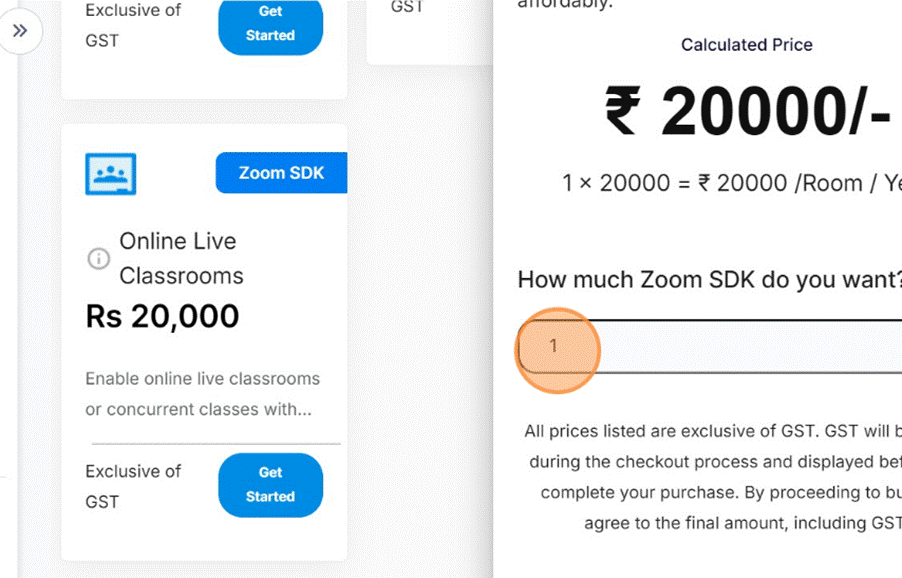
- Enter GST Number (Optional)
If your organization has a GST number, fill it in for invoicing purposes (this is optional but helpful).
- Save Changes – Proceed to Payment
Click Proceed to Pay to move to checkout. Select Payment Method
- Confirming payment

- You will Get Confirmation (“Payment Successful”)
After you complete payment, you should see a confirmation message like “Payment done successfully.” 
Was this article helpful?
YesNo
Last modified: October 15, 2025