
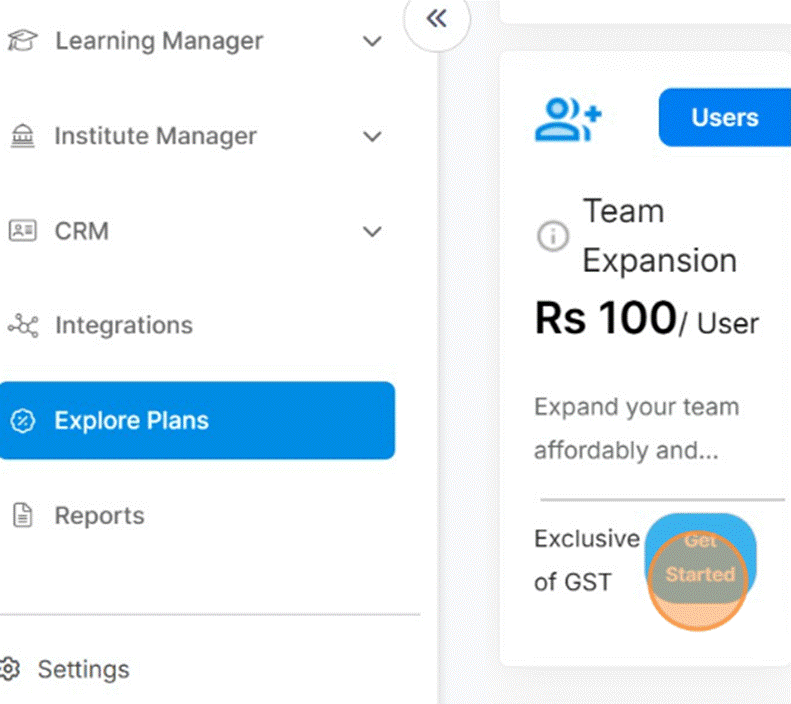
Step 1: Go to Explore Plans
Log in to your Nrich dashboard and navigate to the Explore Plans section.
Step 2: Select Team Expansion Add-On
Click on the Team Expansion Add-On to open its details.
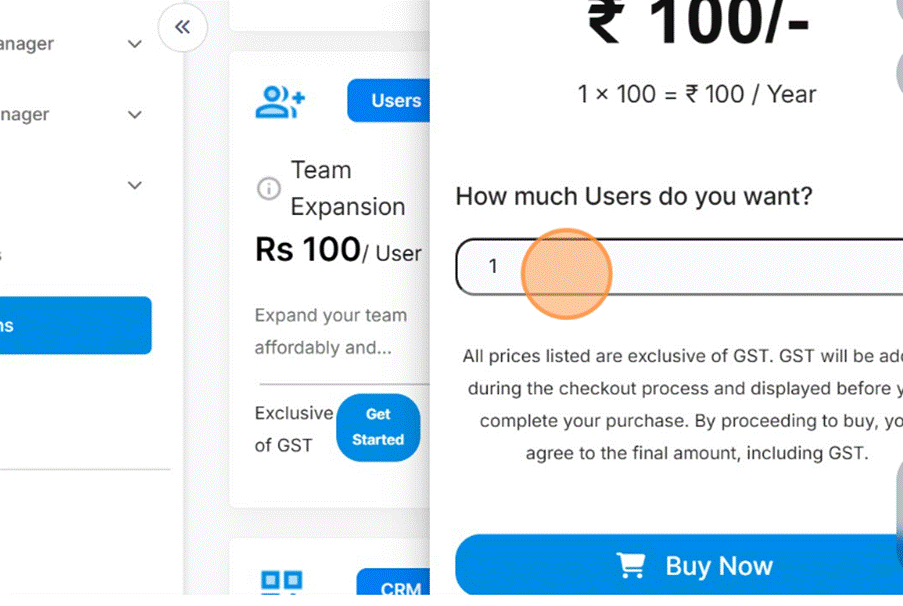
Step 3: Enter Team Size
Specify the number of additional team members you want to add.
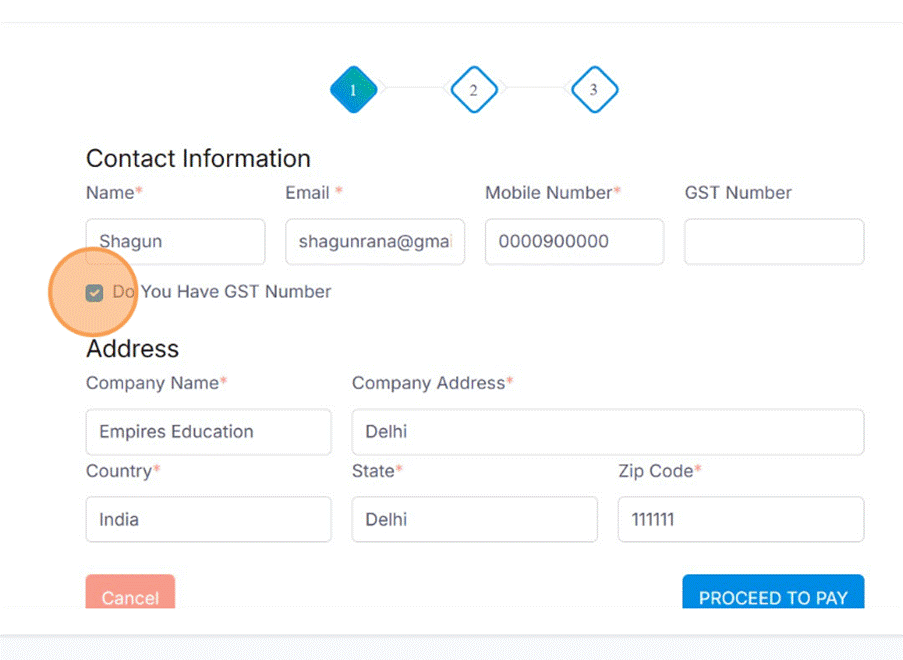
Step 4: Provide GST Information
Select whether you have a GST number and fill in the details if applicable.
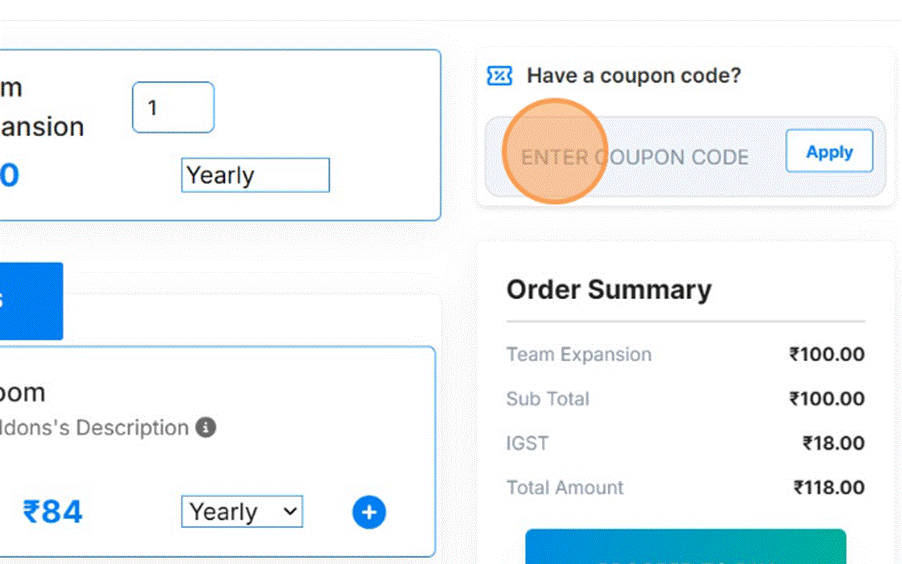
Step 5: Apply Coupon (Optional)
If you have a coupon code, enter it in the coupon field to receive a discount.
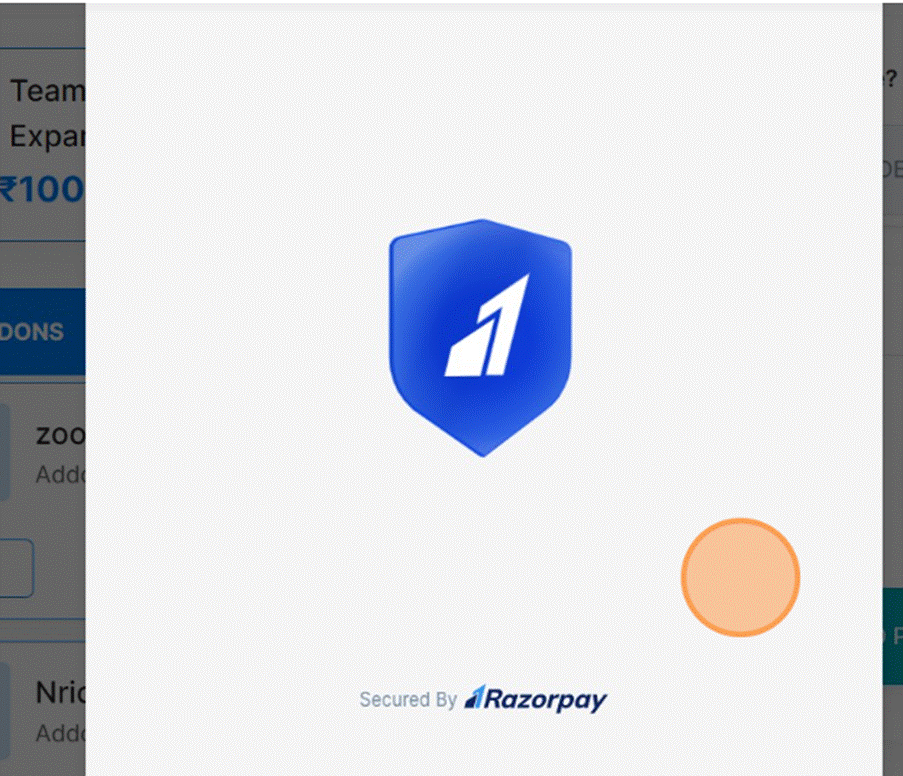
Step 6: Proceed to Payment
Click Proceed to Pay, choose your preferred payment method, and complete the transaction. This type of Screen will be displayed.
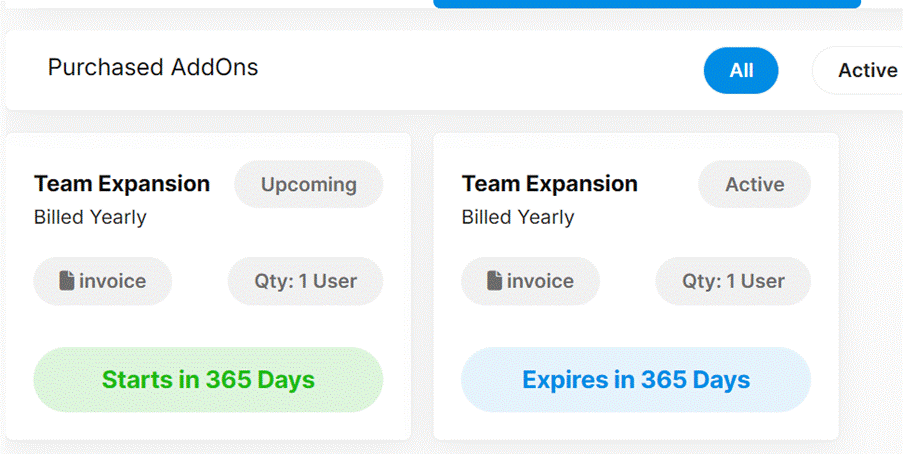
Step 7: Confirm Addition
Once the payment is successful, the additional team members will be added to your account automatically.
Last modified: October 15, 2025